Jobs booked straight onto your calendar
Getting a customer to text you back is only half the job. The other half is turning that conversation into an actual appointment on your calendar - without a round of phone tag. Handlebar books the job right there in the text thread, so you just show up.
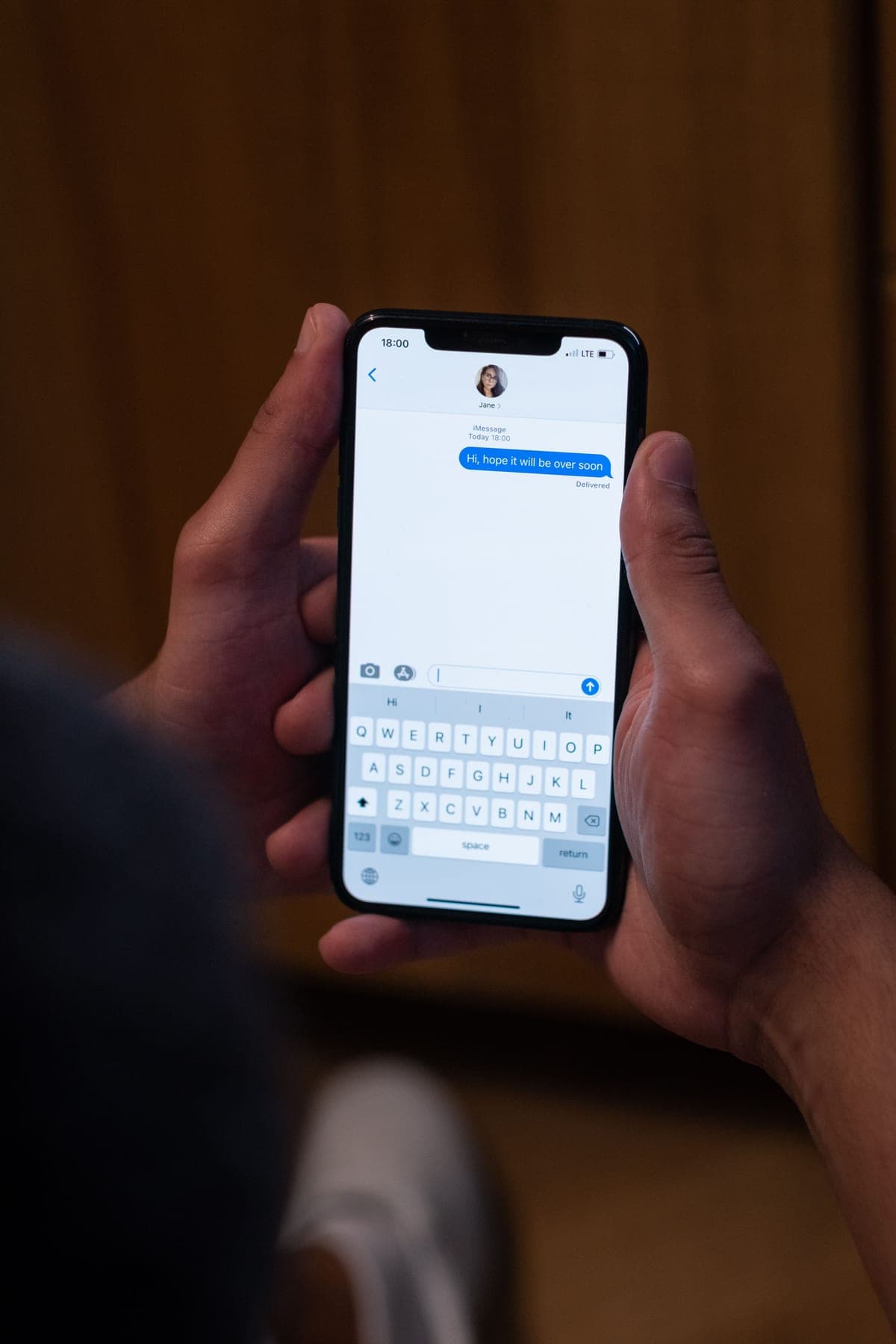
'Call us back to schedule' is where jobs die
You catch the caller, answer their questions, and then send them off with 'call the office and we'll get you on the schedule.' That extra step is where a lot of jobs quietly disappear.
Now the customer has to call again, during your hours, and get through. Life gets in the way. They forget, they get busy, or another shop books them first. Every hand-off you add is another chance to lose the job you already earned.
The fix is to book them while you have them - in the same conversation, before they put the phone down.
How Handlebar books the job in the conversation
When Handlebar texts a missed caller back, that thread doesn't just answer questions - it schedules. It offers real openings, takes the day and time the customer picks, gets their address and details, and puts the appointment on your calendar.
There is no app for the customer to download and no form to fill out. They pick a time over text like they are messaging a friend, and it is done. If you want the front half of that story, see our missed-call text-back page - booking is what happens once the conversation is already going.
You just show up
The appointment lands on your calendar with the customer's name, address, and what they need. You are not calling anyone back to nail down a time. You are not playing phone tag across three days. You open your calendar and the work is already there.
That is the whole idea - less time on the phone sorting out schedules, more time doing the work that pays.
Fewer no-shows
A booked job is only good if the customer is there when you pull up. Handlebar sends a confirmation when the appointment is set, then a reminder before it, over the same text thread the customer already answered on.
A quick reminder text is one of the simplest ways to cut down on forgotten appointments. The customer gets a nudge in their pocket, and you waste fewer trips driving out to an empty driveway.
Works with the calendar you already use
You don't have to switch systems or learn a new dashboard to make this work. Handlebar drops jobs onto the calendar your shop already runs on, so the schedule you check every morning is the one that fills up.
After the job wraps, the same setup can ask that customer for a Google review - so a booked appointment turns into a booked appointment plus a little more reputation. See review requests for how that part works.
Common questions
Does the customer need an app or account to book?
No. They book right inside the text conversation - pick a time, give their details, done. No download, no login, no form.
Which calendar does it use?
The one you already use. Handlebar puts the appointment on your existing calendar, so you are not switching systems or checking two places.
How does this cut down on no-shows?
It sends a confirmation when the job is booked and a reminder before it, over text. A nudge in the customer's pocket means fewer forgotten appointments and fewer wasted trips.
Can it book jobs after hours?
Yes. The text conversation runs whether or not your office is open, so an after-hours caller can get booked for the next day without waiting to reach anyone.
Give me 30 minutes
I'll show you exactly how Handlebar would catch your missed calls and book the work - no pressure, no script.